

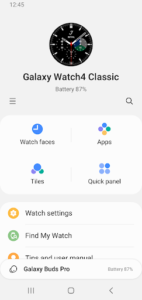
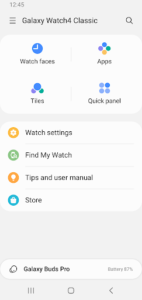
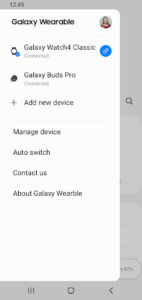
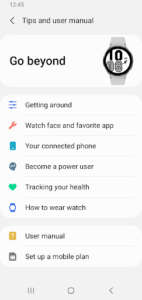
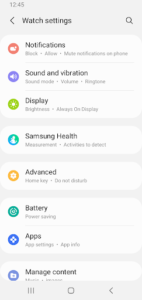
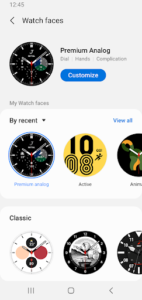
Galaxy Watch Manager functions as an essential component for the Galaxy Wearable Application, which must be installed on your device beforehand. Its primary role is to facilitate the connection and management of your Galaxy Watch, enabling crucial communication between your smartphone and the wearable device. This app allows for various data synchronizations, including schedules, SMS messages, and call logs, and is fundamental for the overall functionality and management of a connected Galaxy Watch.
Prerequisite for Galaxy Watch Management
This app operates as a foundational element within the Samsung ecosystem for managing Galaxy Watch devices. It does not function as a standalone application; instead, it requires the prior installation of the Galaxy Wearable Application. To ensure full functionality, particularly on Android 6.0 and later, users must explicitly grant necessary permissions to the Galaxy Wearable Application through their Android Settings.
Seamless Data Synchronization
The app enables comprehensive data synchronization between your smartphone and your Galaxy Watch. It uses various permissions to achieve this: the Calendar permission allows for the synchronization of your schedule, while the SMS permission ensures your text messages are mirrored on your watch. Additionally, the Call logs permission synchronizes your call history, and the Contacts permission facilitates services that link with your registered Samsung account information.
Device Connectivity and Updates
To establish and maintain a connection with your Galaxy Watch, the app utilizes the Location permission to search for nearby devices via Bluetooth. It also requires the Telephone permission to access device-unique identification information, which is critical for updating existing apps on your watch and installing new plug-in applications.
File Exchange with Your Watch
For managing media and other data on your wearable, Galaxy Watch Manager uses the Storage permission. This allows the app to transmit and receive stored files between your smartphone and your Galaxy Watch, supporting the exchange of content.
eSIM Activation for Compatible Models
For specific Galaxy Watch models that support eSIM functionality, the app provides a method for activation. When used with an eSIM-supported model, the Camera permission allows the app to scan a QR code, which is necessary to activate the Watch’s embedded SIM card.



















Write a review